What Stele is, and how to use it
Stele is shared memory for projects built with AI agents: one record every agent reads before it answers, and writes back to as it learns. The decisions, tasks, lessons, and risks a project accumulates each get a stable id and a trail you can follow, so the reasoning behind the work outlives any single session. These docs cover installing it, the model underneath, and the day-to-day commands.
A codebase records what the software is. It rarely records why , which approaches were tried and dropped, what broke last time, what a function is working around, what's planned next. That context normally lives in people's heads and scattered chat logs, and it decays. The moment a new contributor or a fresh agent session starts, it's gone, and work repeats mistakes the project already paid for.
Stele keeps that context attached to the project itself, where the next person and the next agent can both reach it. You keep using the agents you already use; Stele gives them a memory to read from and write to.
That's the difference between a notepad and a ledger: every entry here is addressable, sourced, and kept honest over time.
One record, three things
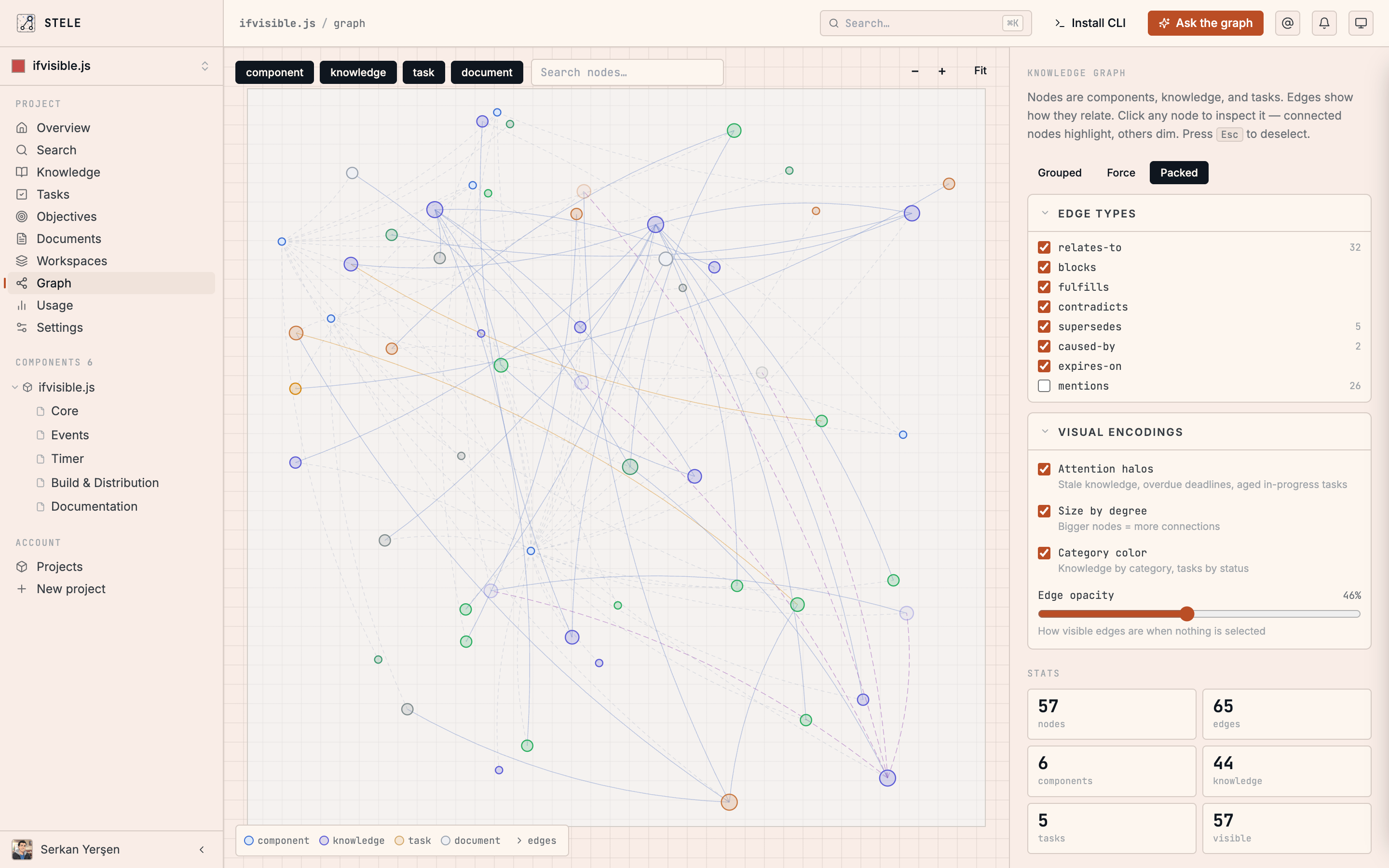
A task system, a knowledge graph, and an operator that drives agentic work all share the one record, so each part makes the others sharper. They interlock: a task closes and records a lesson; the lesson rides along as a risk on the next related change; the operator picks up the following task already knowing both.
Knowledge
Decisions, lessons, risks, and goals, written as the work happens, linked to the code and the tasks they belong to, and served back at the moment they matter.
Tasks
Work the project owns. An agent or a teammate claims a task atomically, so no two start the same thing; closing it leaves a note the next session can read.
Operator
A reference loop that pulls open tasks, plans them, executes inline or in isolated worktrees, verifies the result, and reports back, with the same record guarding every iteration. See how Operator runs.
Who it's for
Solo developers and small teams who already build with AI agents. The value holds whether "the next person" is a teammate or you, six weeks from now, having forgotten why you built it that way. It works with the harness you already use: Claude Code, Cursor, Codex, Grok Build, Pi, and any MCP-compatible client , and adds a memory underneath, rather than replacing your setup.
Stele is open to everyone, and signing in creates your account the first time. That's an access question, not a pricing one: the Free plan is free permanently, with real limits — one private project, 500 new entries a month, 5,000 stored, and a monthly assistant allowance — and Pro and Team are paid plans on top of it. Reading, searching and editing what you've already saved are never capped, on any plan. Both the hosted MCP endpoint and the local plugin's MCP server are available on every plan — connect any agent to it. Everything in these docs reflects what ships today; where a capability is still landing, the page says so.
How these docs are organized
Read top to bottom the first time, or jump to what you need.
Install & first run
Install the CLI, sign in, and wire Stele into a project.
Connect your AI agent
One URL connects ChatGPT, Claude, Cursor, or any MCP client to the same record.
Core concepts
The node graph, the task lifecycle, automatic context, and a record that keeps itself honest.
Backfill
Seed the record from a project that already has history.
Surfaces
The dashboard, the CLI, the plugin, and the assistant.
In practice
Stele as a watchdog, an onboarding path, team memory, and a project manager.
Reference
The full CLI surface and the slash commands your agent runs.
Everything in Stele is addressable: every task, decision, and document has a stable id like TASK-12 or KNOW-4, so any piece of context can be cited in a sentence and opened in one click. That's the thread these docs keep pulling on.