One line · 24 words
Stele gives software teams and their AI coding agents a shared record of project knowledge and work, so context carries across sessions and tools.
Approved copy, a fact sheet, logo files, current product screenshots and the brand rules that keep them looking right. Take what you need. Write to us for anything else.
Quote any of these as written, or trim them. Each one is accurate as of the date on this page.
Stele gives software teams and their AI coding agents a shared record of project knowledge and work, so context carries across sessions and tools.
Stele is persistent project memory for people and AI coding agents. It keeps decisions, lessons, documents and tasks linked in one shared record. When an agent starts work, Stele brings forward the relevant history, including what the team tried before and why it changed direction. People can read and steer the same record in the web app.
AI coding agents start every session with no memory of the project. They repeat mistakes the team already fixed and undo decisions they never heard about. Stele gives them a shared record to read first.
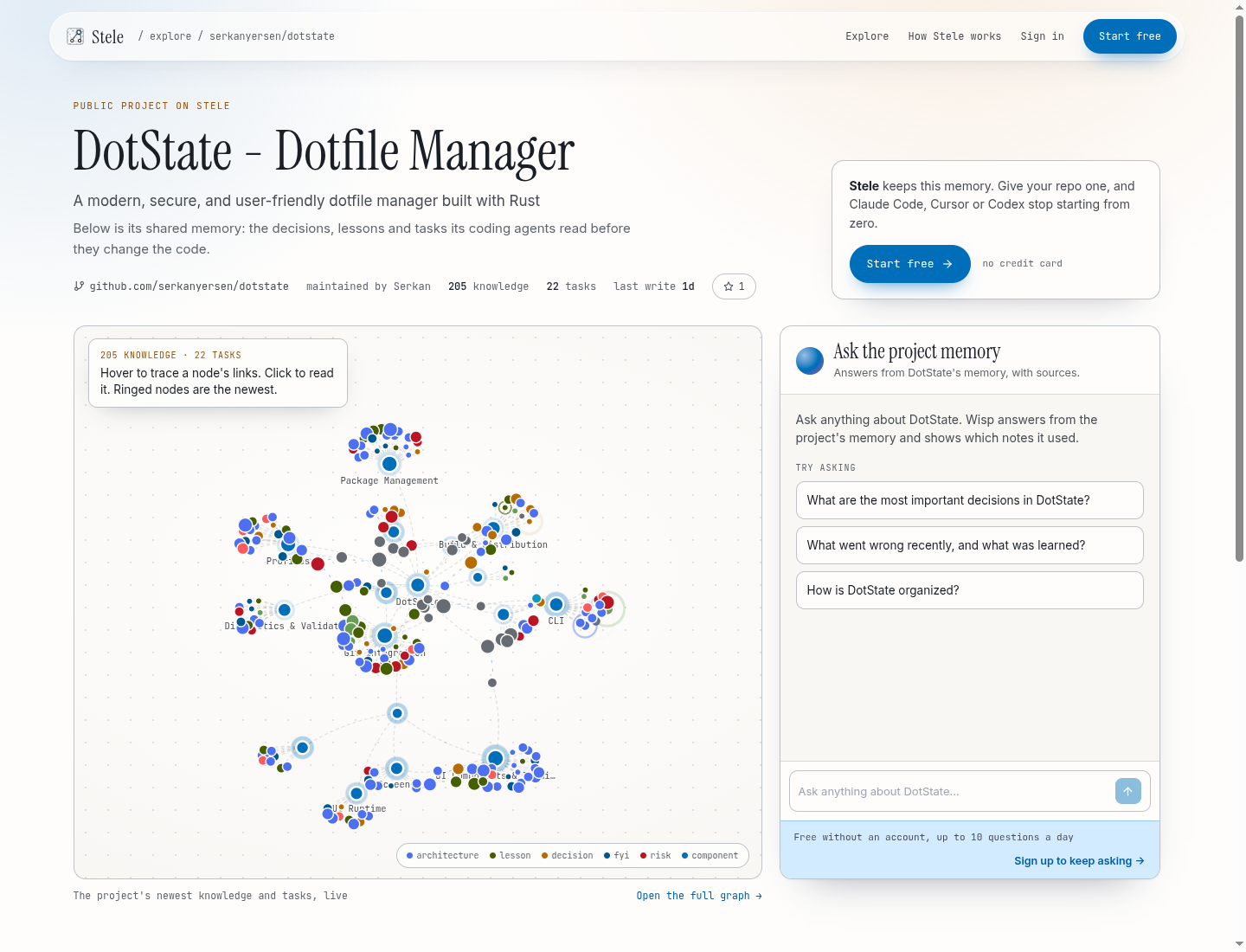
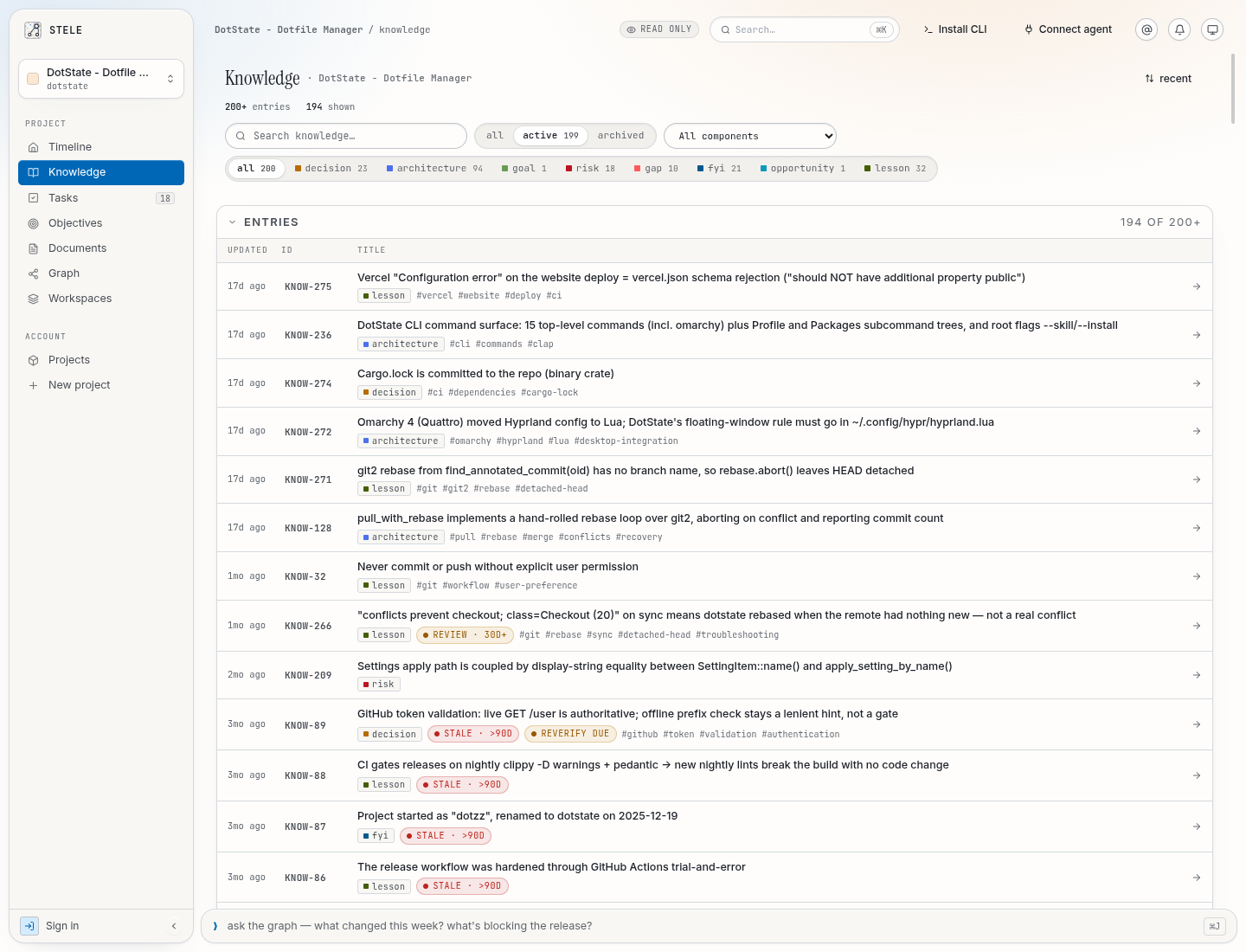
Agents in Claude Code, Cursor, Codex and other MCP clients read what the project decided, what is in progress and what went wrong before, then write back what they learn. Tasks and knowledge live in one linked graph, so a new session or a different tool picks up where the last one stopped. People see the same record in a web app, where they can correct it, assign work and publish it as a public project.
Serkan is a software engineer with more than 19 years of experience. At Meta he worked on WhatsApp Web, release infrastructure and developer AI workflows. Before that he was a founding engineer at JotForm.
He started Stele after watching agent sessions start cold, relearn the project and rebuild things the team had already tried and thrown out.
Use the light files on light backgrounds and the dark files on dark ones. Keep the logo as supplied: same shape, same colors, room to breathe.






Every file also comes as a transparent PNG in the full kit.
Captured on October 9, 2026 from DotState, an open-source project whose memory is public on Stele. They show real project data. The interface may have changed since.
From the story on our homepage. Credit them as “Illustration: Stele”. They are drawings, so please don't caption them as screenshots of the product.



Blue marks knowledge and ochre marks work. Paper and ink do everything else.
Stele
Write it with a capital S and the rest lowercase, in the same typeface as the text around it. Avoid STELE in running text, “Stele AI” and “the Stele”.
For an interview, a demo, or a file in another format, email Serkan directly. Ask before using the logo on merchandise, in a partnership or in a way that suggests endorsement.